 Guides
 API Reference
Overview
Learn how to generate and manage API access keys for authenticating requests to the Sona API.
API access keys allow you to authenticate and interact with the Sona API programmatically. Each key is associated with your workspace and can be used to access your organization's data and features.
Note: API access keys provide full access to your workspace data. Keep them secure and never share them publicly or commit them to version control.
Creating an Access Key
Step 1: Navigate to Access Keys
Go to Workspace Settings in the left sidebar, then select Access Keys.
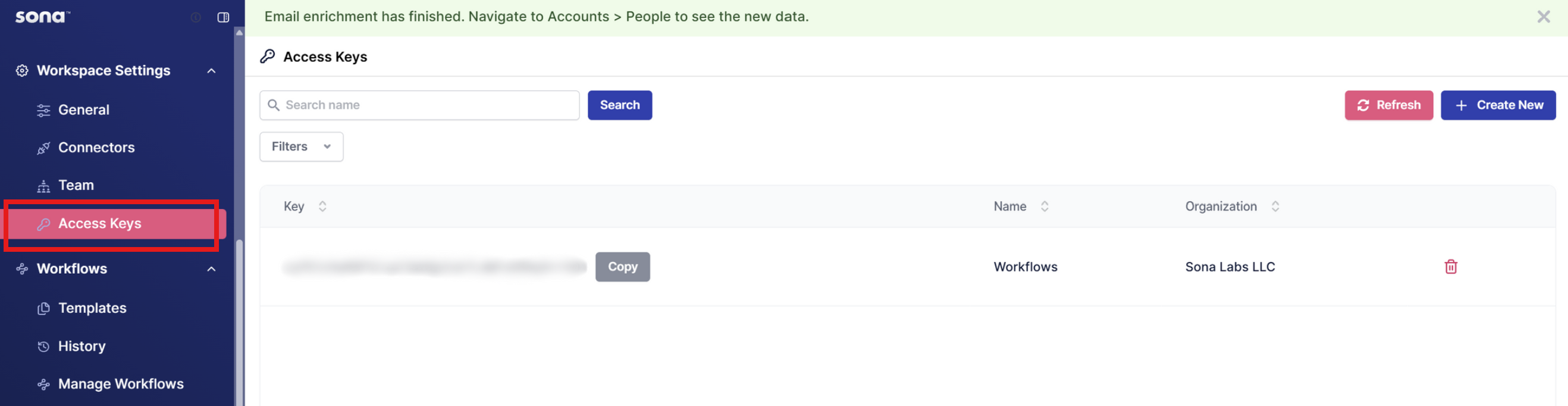
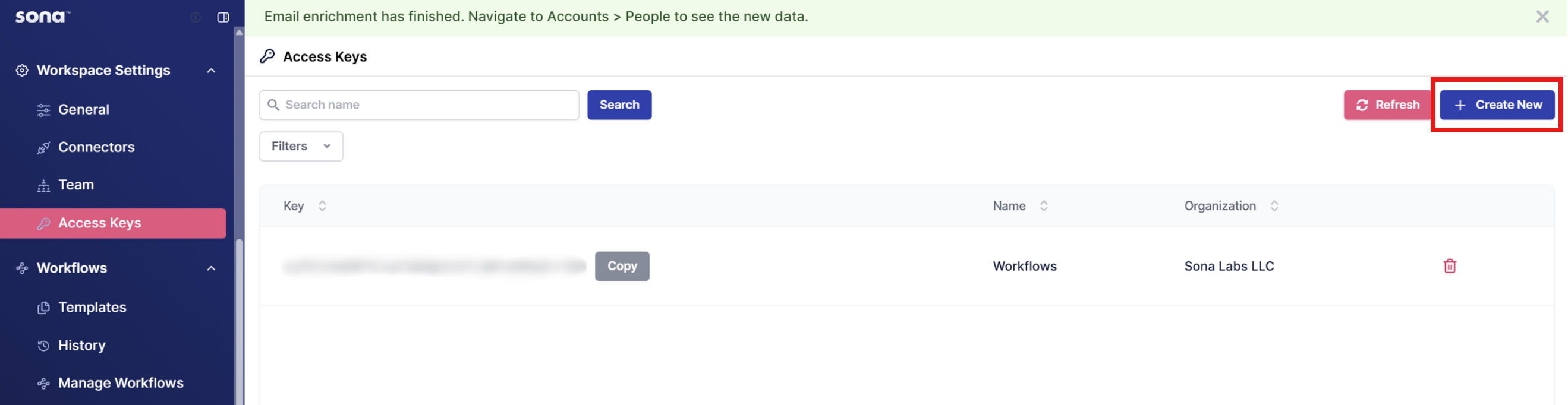
Step 2: Create New Key
Click the + Create New button in the top-right corner.
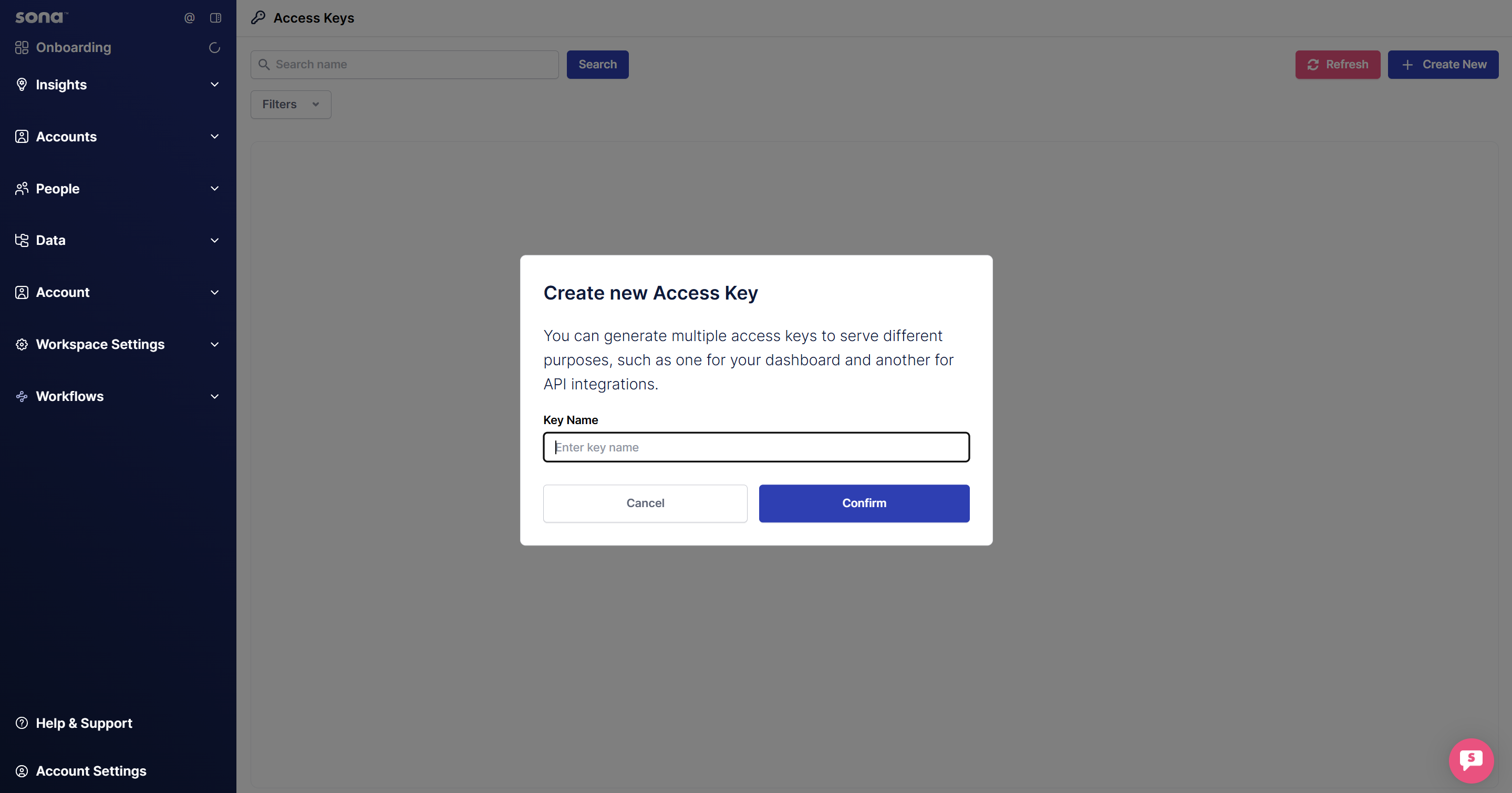
Step 3: Name Your Key
Provide a descriptive name for your access key (e.g., "Production API", "Workflows", etc.) and choose an organization.
Step 4: Copy Your Key
Once created, your API key will be displayed. Click the Copy button to save it securely.
You have now created an API Access Key. With your API key created, you're ready to test the Sona API.
Managing Access Keys
From the Access Keys page, you can:
- View all keys - See a list of all access keys in your workspace
- Copy keys - Click the Copy button next to any key
- Delete keys - Click the trash icon to revoke an access key
- Filter and search - Use the search bar and filters to find specific keys
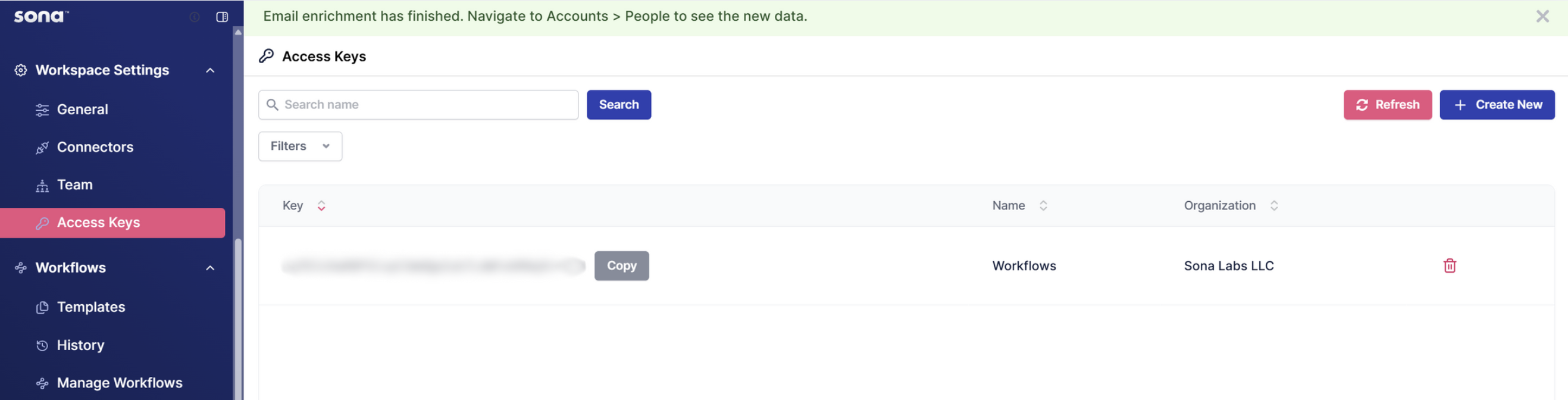
| Column | Description |
|---|---|
| Key | The access key value (partially hidden for security) |
| Name | Descriptive name for the access key |
| Organization | The workspace/organization the key belongs to |