 Guides
 API Reference
ICP Fit Score
ICP Fit Score in Sona measures how well an account matches your Ideal Customer Profile (ICP), helping you prioritize high-fit leads based on industry, size, and tech stack.
Adding ICP Fit Score parameters in Sona
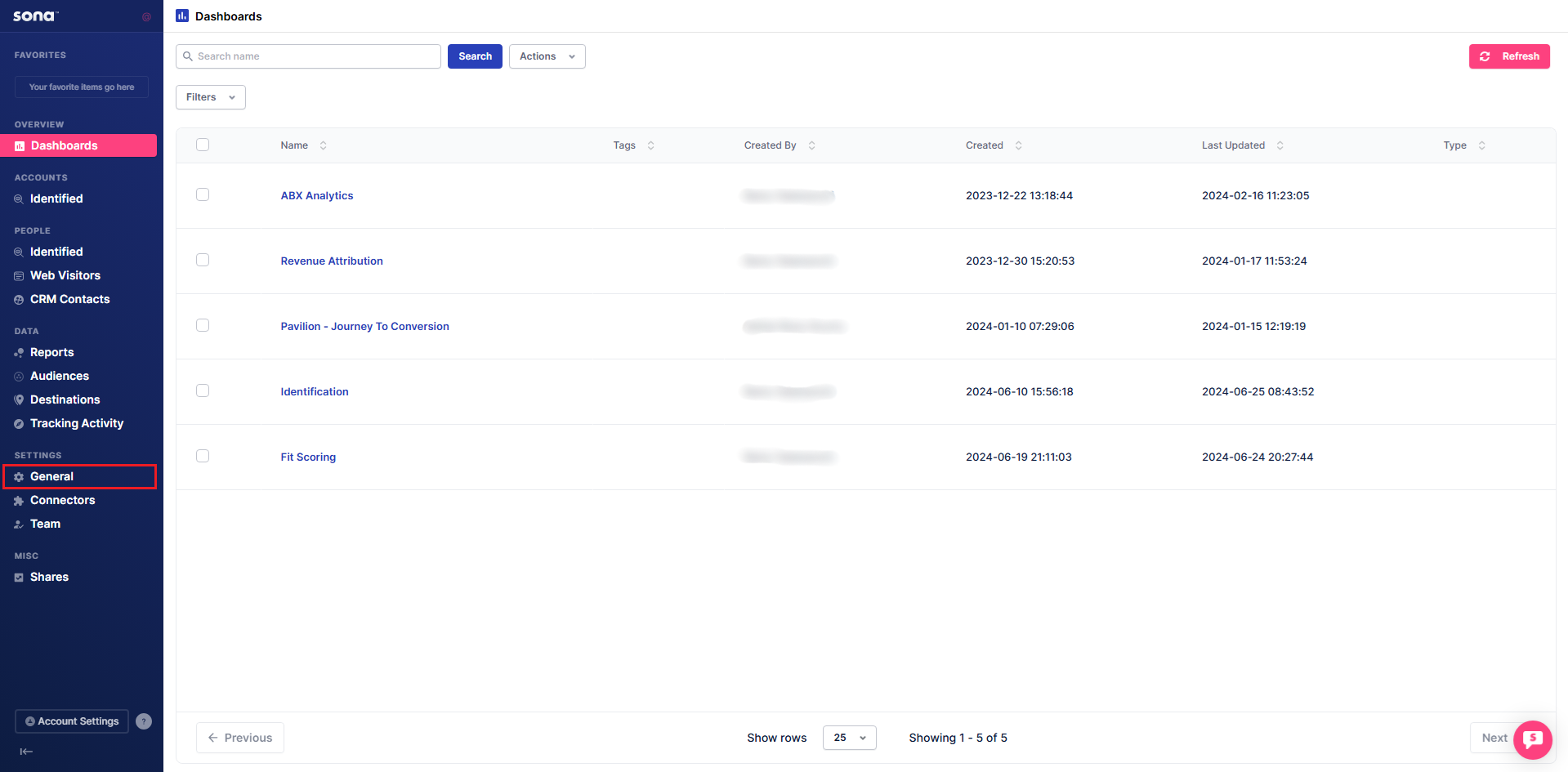
Step 1: Open General settings
Navigate to General under Settings.
Step 2: Access ICP scoring
Click Scoring, then select the ICP tab.
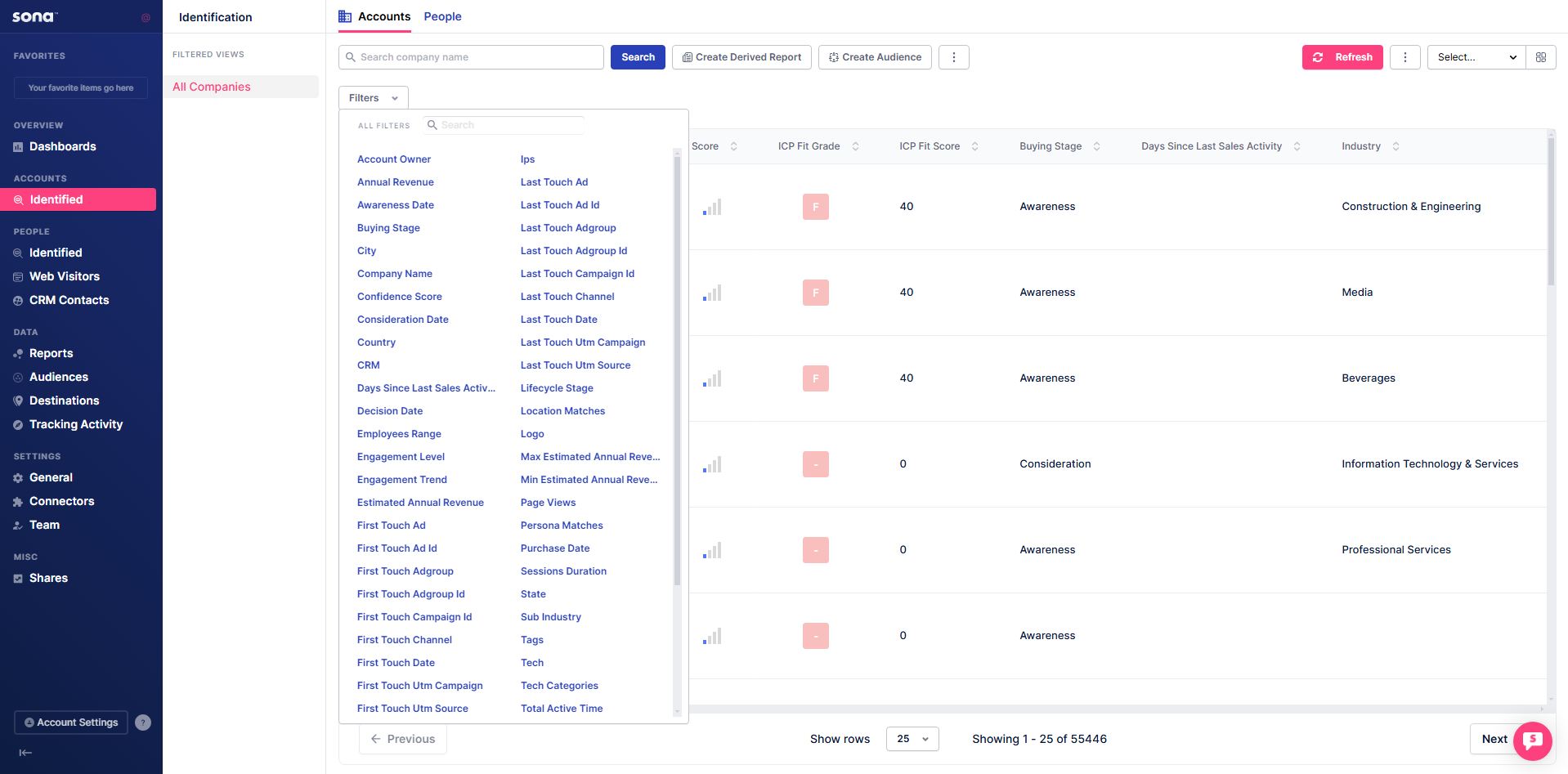
Step 3: Add attributes
Click + Add Attributes to view and select criteria for building your ICP. Assign weight percentages to different attributes to fine-tune how leads are scored.
tip
Start with just two or three attributes (company size and revenue are the fastest to configure) and calibrate the model against accounts you know closed before expanding.