Guides
 API Reference
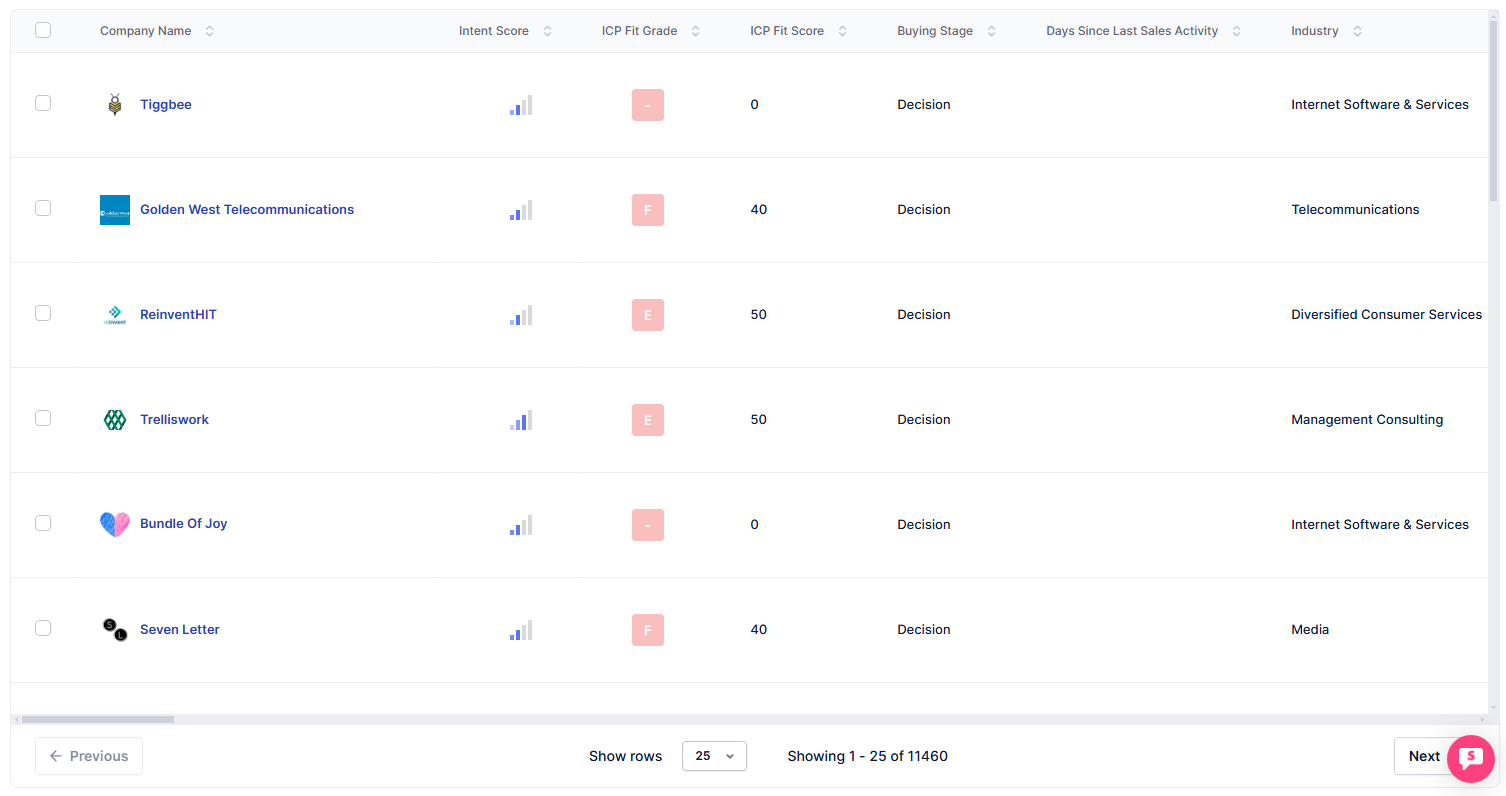
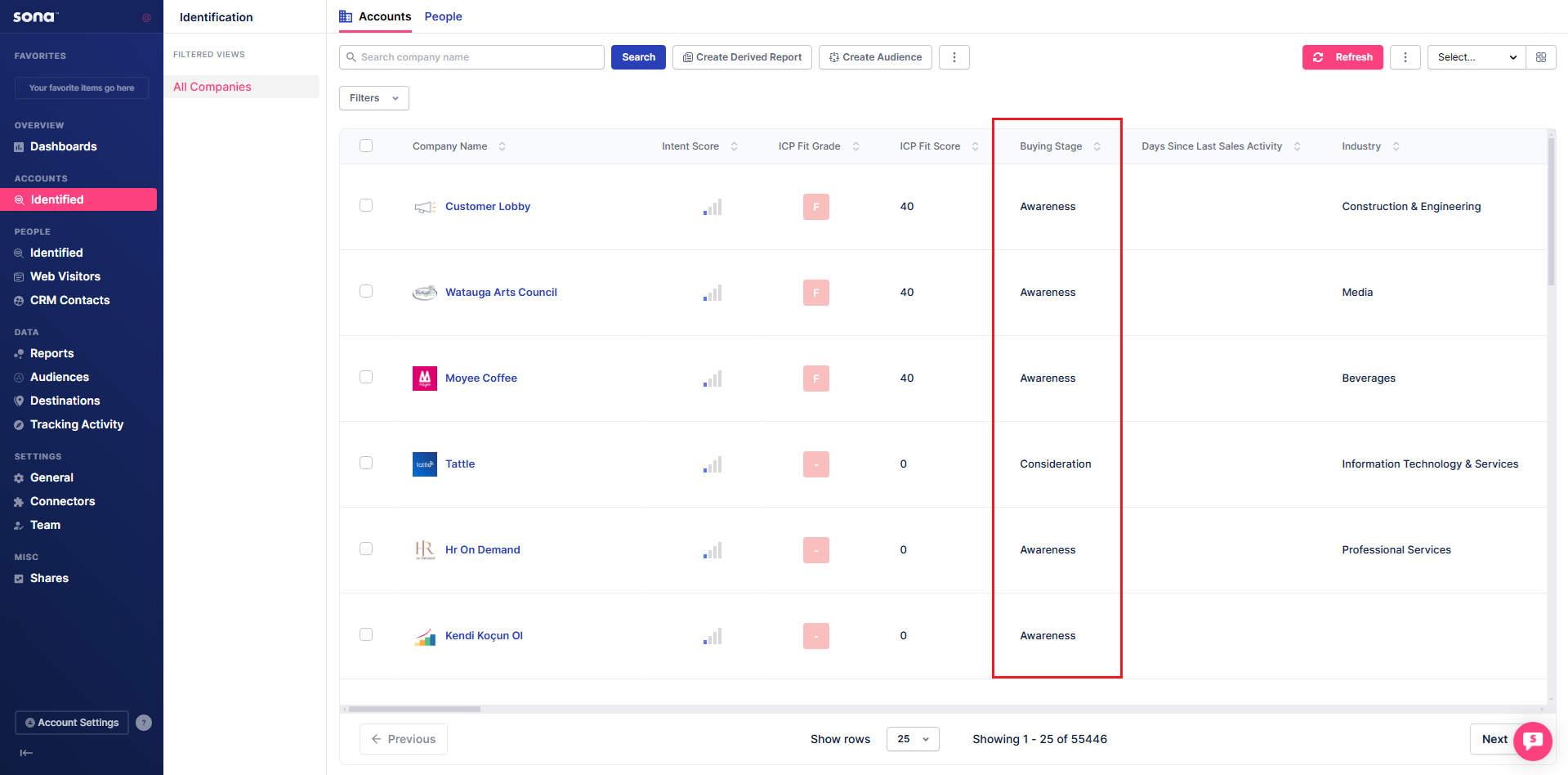
Buying Stage
Read where an account is in its journey (from first touch to ready-to-buy) so you can time your outreach to match its intent.
Buying stages are typically categorized into several phases:
- Awareness
- Consideration
- Decision
- Purchase
Each stage captures different actions and behaviors of a potential customer.
Understanding each stage
Awareness
-
What: Early-stage prospects discovering your brand through their first website visit.
-
Action: Track visits and engagements to identify interst and nurture with educational content.
Consideration Stage
-
What: Prospects actively evaluating your product by engaging with content, filling out forms, or viewing pricing.
-
Action: Track intent signals and engagement trends to identify interest and follow up with targeted messaging.
Decision Stage
-
What: Prospects are highly engaged, repeatedly visiting key pages, reviewing case studies, or spending significant time on your site.
-
Action: Monitor intent signals and engagement trends to initiate direct outreach and guide them toward conversion.
Purchase Stage
-
What: Prospects showing strong buying intent by engaging with pricing pages, spending extended time on key content, or requesting a demo.
-
Action: Facilitate the purchase with clear next steps, personalized support, and timely follow-ups to close the deal.
Filter Accounts based on Buying Stage
Step 1: Open Filters
Click the Filters dropdown.
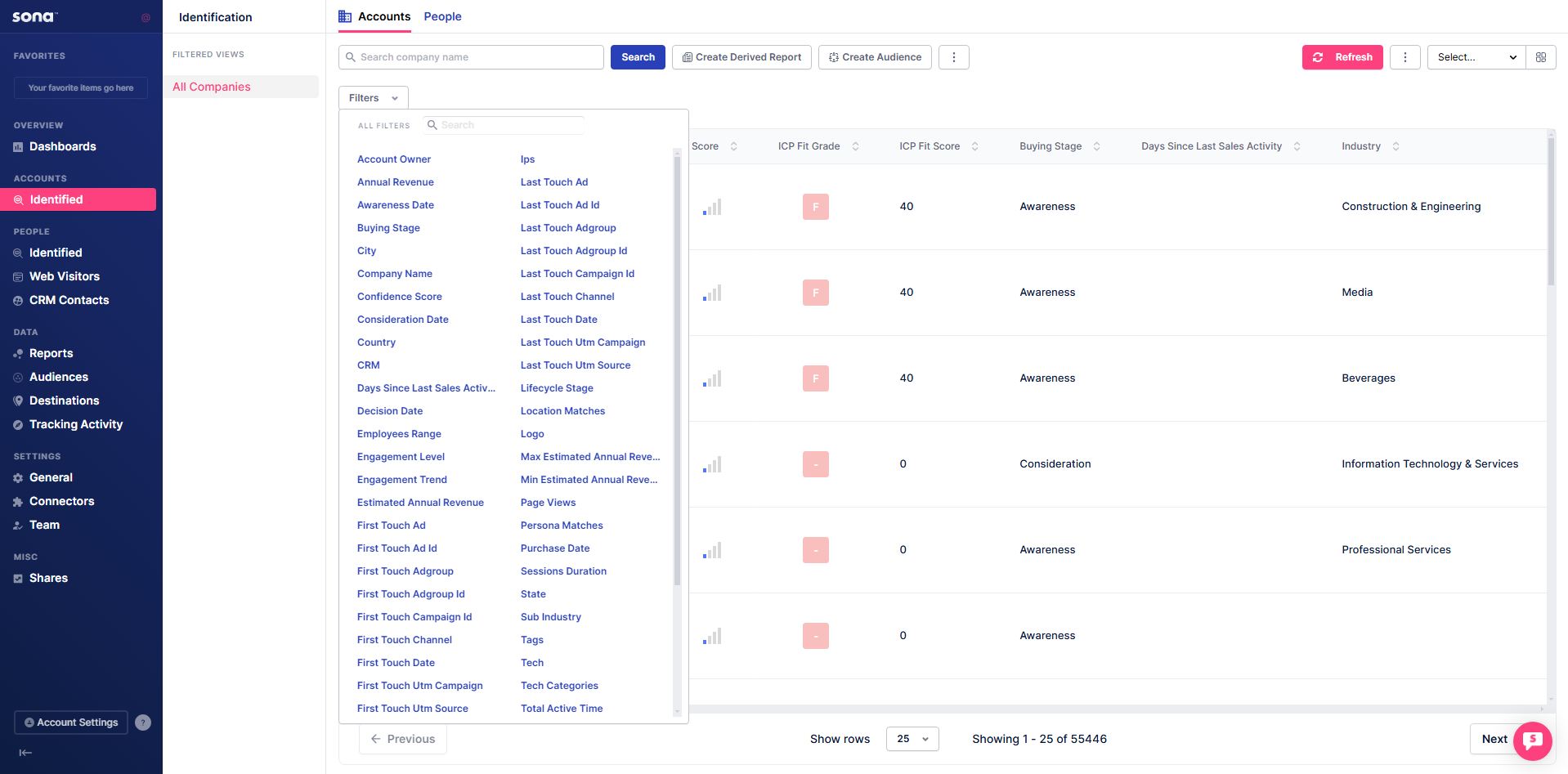
Step 2: Search for Buying Stage
Type Buying Stage in the search bar inside the Filters dropdown.

Step 3: Apply Buying Stage conditions
Click Buying Stage and add the desired conditions.

After adding the filter, the table is now ordered based on the specified condition.