 Guides
 API Reference
Invite a teammate
The Team page lets you add new users to your Sona account by sending an email invite or delete existing ones.
Add a User
Step 1: Open the Team Page
Click Team in the left sidebar.

Step 2: Invite a Teammate
- Enter the teammate's email address.
- Select a role for the user.
- Click Invite to send the invitation.

Step 3: Confirm Invitation
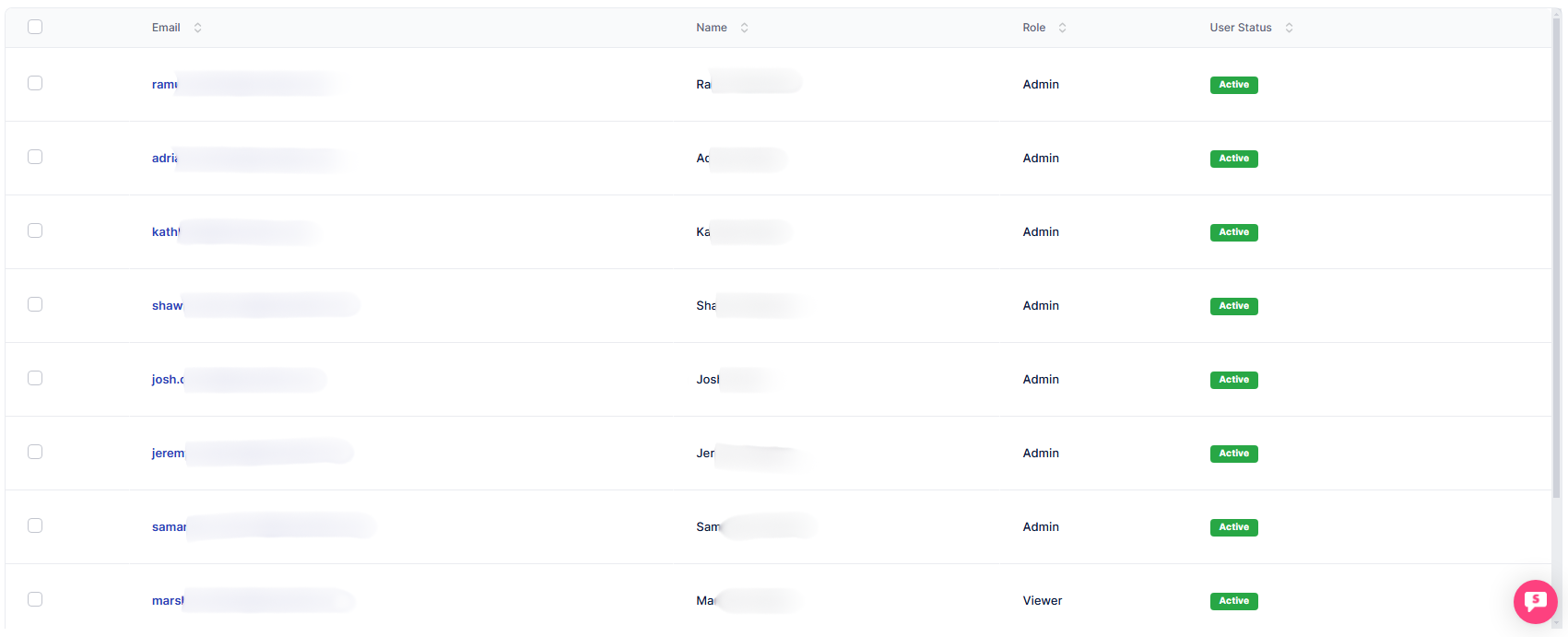
Once the invite is sent successfully, the invited teammate will appear in the table below.
tip
Assign the correct role during the invite step — an Admin can manage integrations and settings, while a Viewer has read-only access. You can always change it later from the user profile.