Guides
 API Reference
Company Search
Discover high-fit accounts before you ever look for a contact — then turn them into auto-refreshing, ICP-matched audiences.
Company Search in Sona helps you discover high-fit accounts using unique marketing and developer intelligence data attributes. Explore millions of companies enriched with growth signals, technology stack data, marketing intelligence and firmographic attributes, then build targeted account lists for targeted account nurturing and outreach. This guide is designed to walk you through how to search, identify accounts, and then build auto-refreshing audiences that match your ideal customer profile attributes.
What is Company Search?
Company Search focuses on company-level data, not individual contacts. Identify the right accounts first, then find and engage decision-makers using Sona or your preferred tools.
- Firmographic data: Industry, employee count, revenue, founding date
- Contact information: Website, phone, address
- Technographic data: Technology categories and tools used
- Geographic data: Country, region, city/locality
- Marketing intelligence: Advertising platforms, marketing tools, and campaign signals
- Developer signals: Engineering team size, job postings, tech hiring activity, and development practices
Step-by-Step Instructions
Step 1: Accessing Company Search
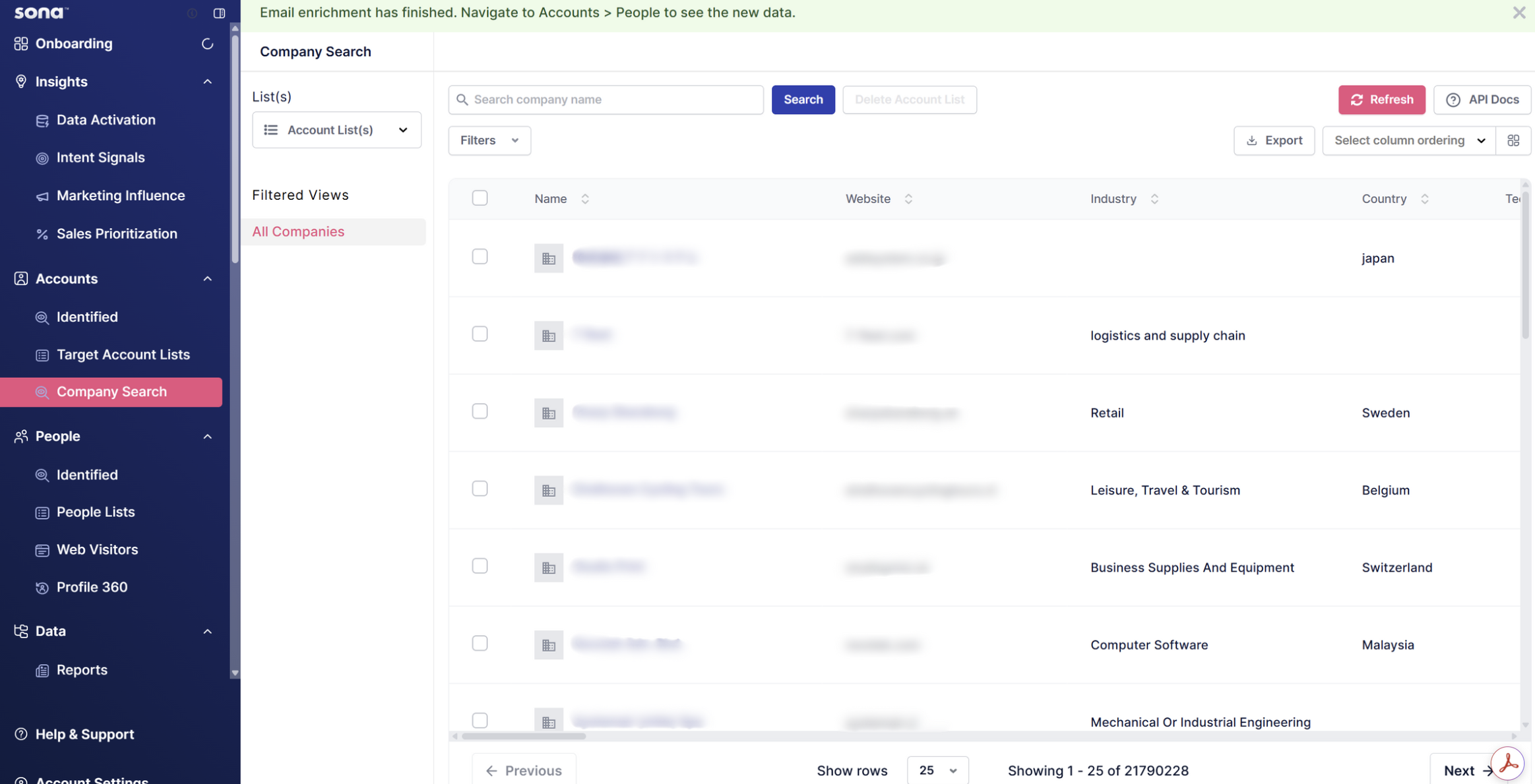
- Navigate to Company Search from the left sidebar under the Accounts section
- You'll land on the main search interface with a search bar, filters, and results table
Step 2: Searching and Filtering Companies
Basic Search:
- Enter a company name in the search bar at the top
- Click the blue Search button to find specific companies

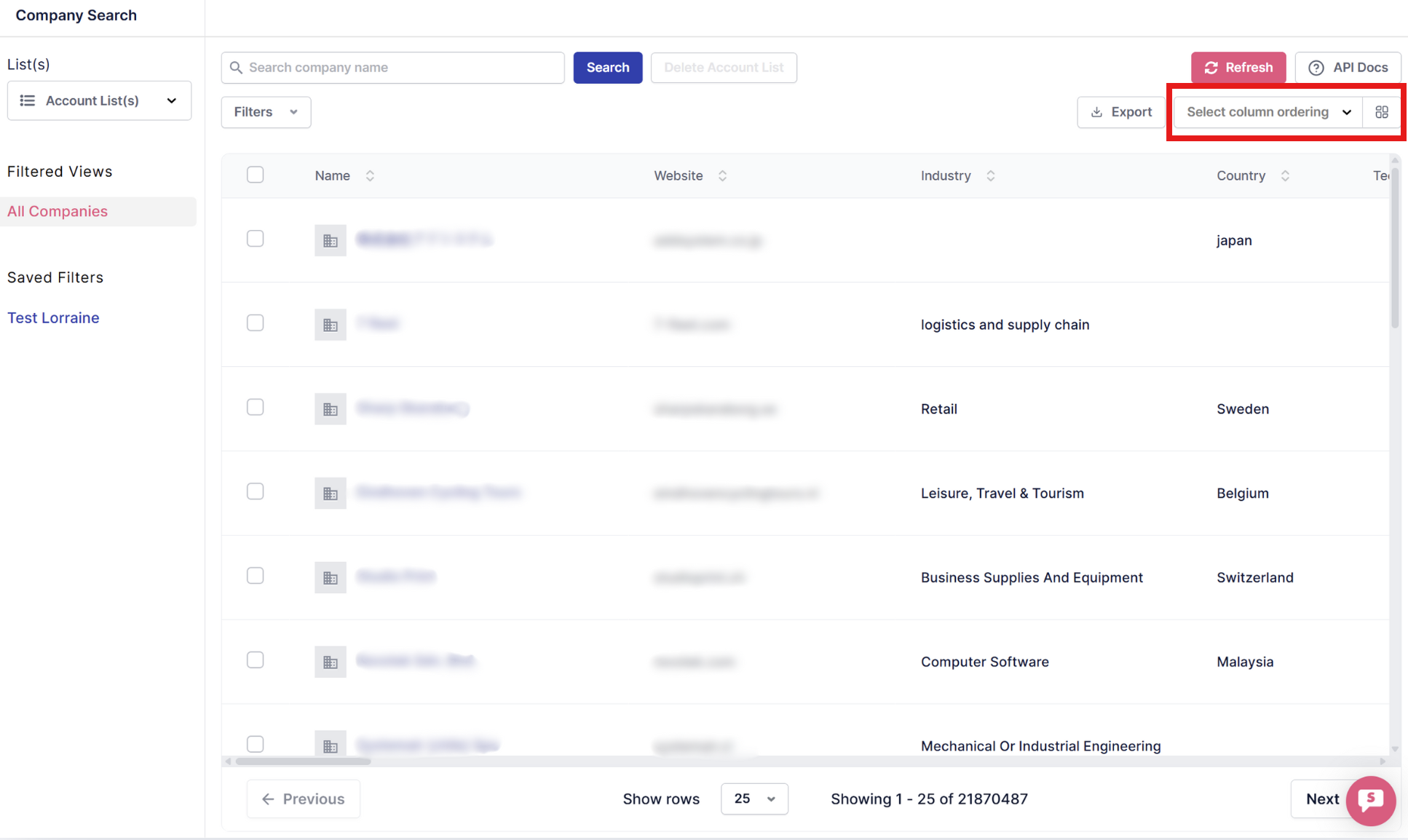
Step 3: Understanding the Company Intelligence Data Table
The results table displays companies in rows with multiple views. Use the Select column ordering dropdown to switch between different data views