 Guides
 API Reference
ICP Fit Score
Score every account on how well it matches your Ideal Customer Profile, so your team always works the highest-fit leads first.
ICP Fit Score in Sona measures how well an account matches your Ideal Customer Profile (ICP), helping you prioritize high-fit leads based on industry, size, and tech stack. Because you set the attributes and their weights, the score reflects your definition of a good-fit account — not a generic one.
Adding ICP Fit Score parameters in Sona
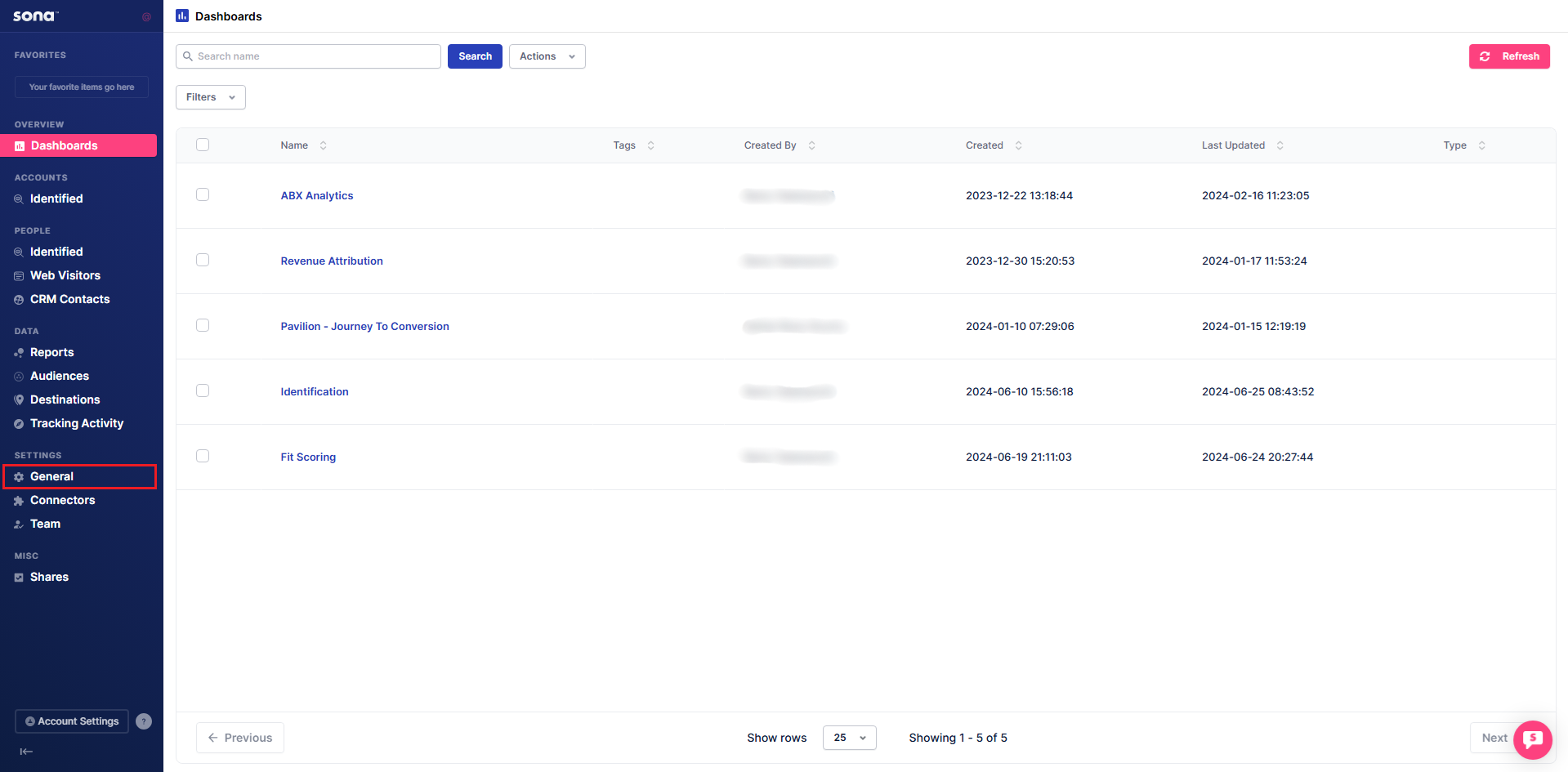
Step 1: Navigate to General
Go to General under Settings.
Step 2: Access ICP scoring
Click Scoring, then select the ICP tab.
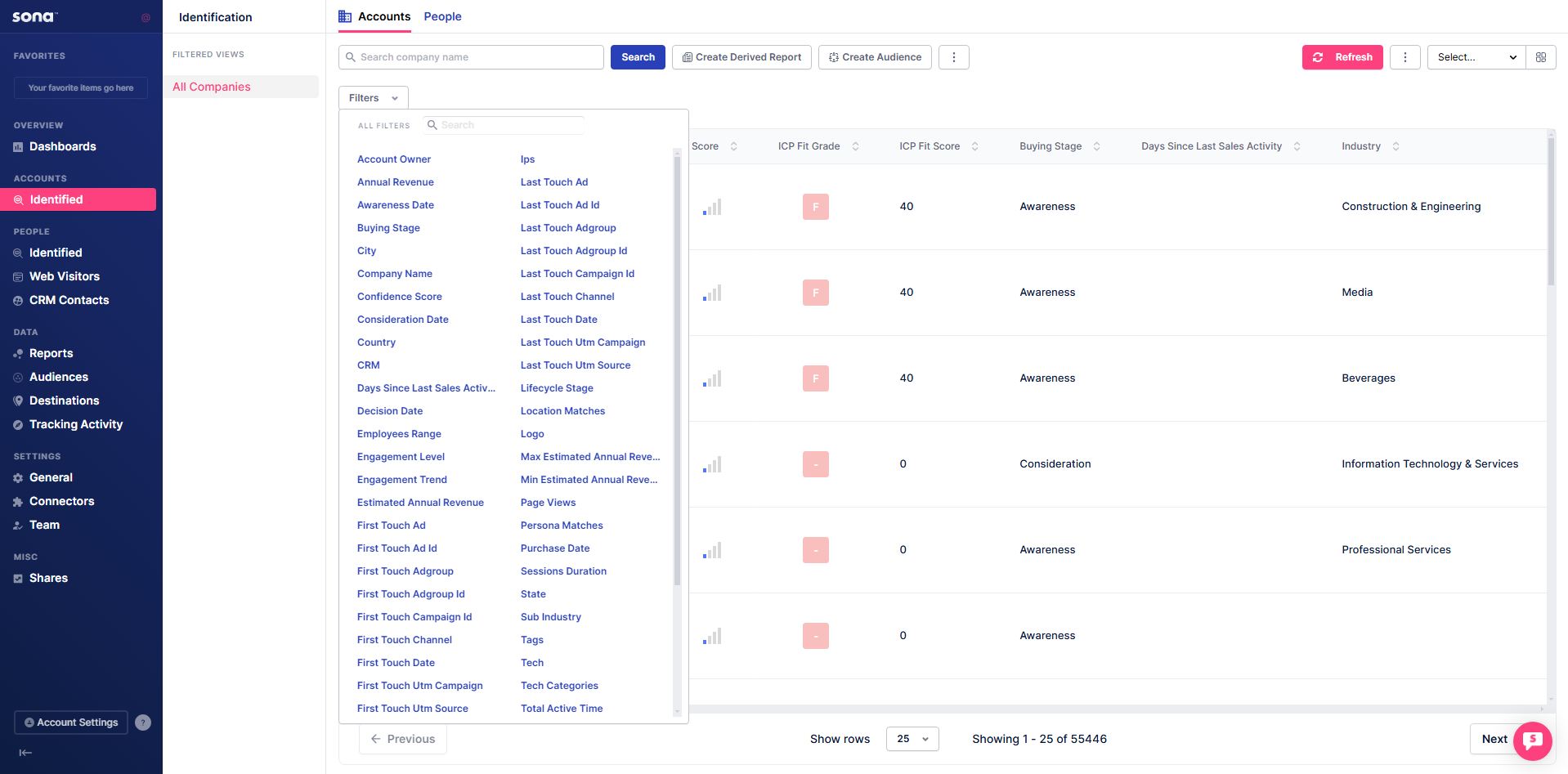
Step 3: Add attributes
Click + Add Attributes to view and select criteria for building your ICP. Assign weight percentages to different attributes to fine-tune how leads are scored.