 Guides
 API Reference
Step 6: Activate data in your go-to-market platforms
Connect Sona to your CRM, marketing automation, and sales tools so enriched visitor data flows directly into the platforms your teams already use.
After collecting and analyzing your data, the next step is putting it to work. Syncing data with your GTM platforms—like CRM, marketing automation, and sales enablement tools—helps teams personalize engagement, optimize outreach, and drive revenue more effectively.
Connector Setup
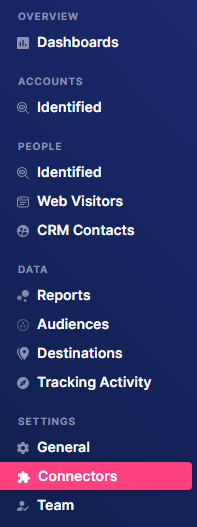
Step 1: Click Connectors in the sidebar.
Step 2: Add a new connector
Click + New Connector in the top-left corner to start connecting a new platform.

Then select a platform from the list.
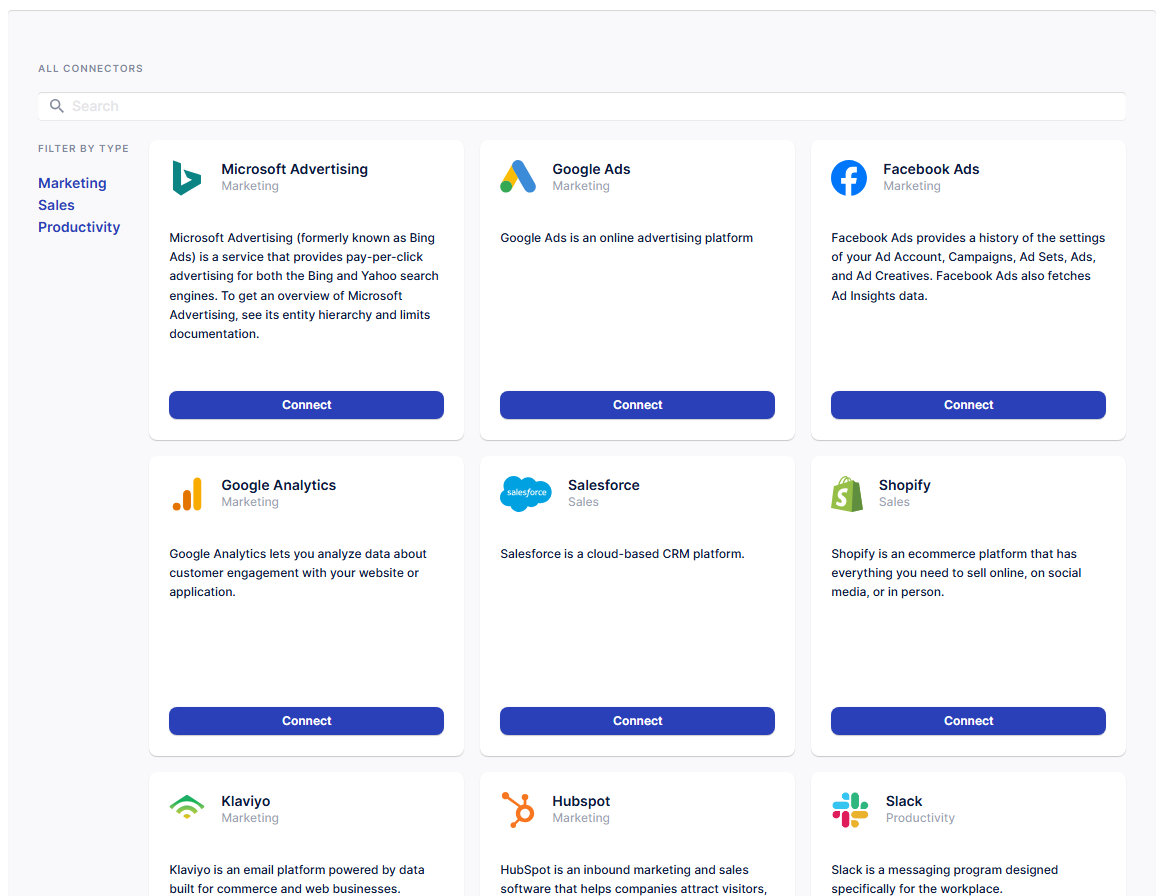
Step 3: Connect your account
After clicking Connect, you’ll be redirected to either the platform’s authentication page or Sona’s configuration page. Enter your login and/or configuration details to allow Sona to connect to your account.
Step 4: Verify your connection
You should now see a card displaying your account details for the platform you just connected on the Connectors homepage.
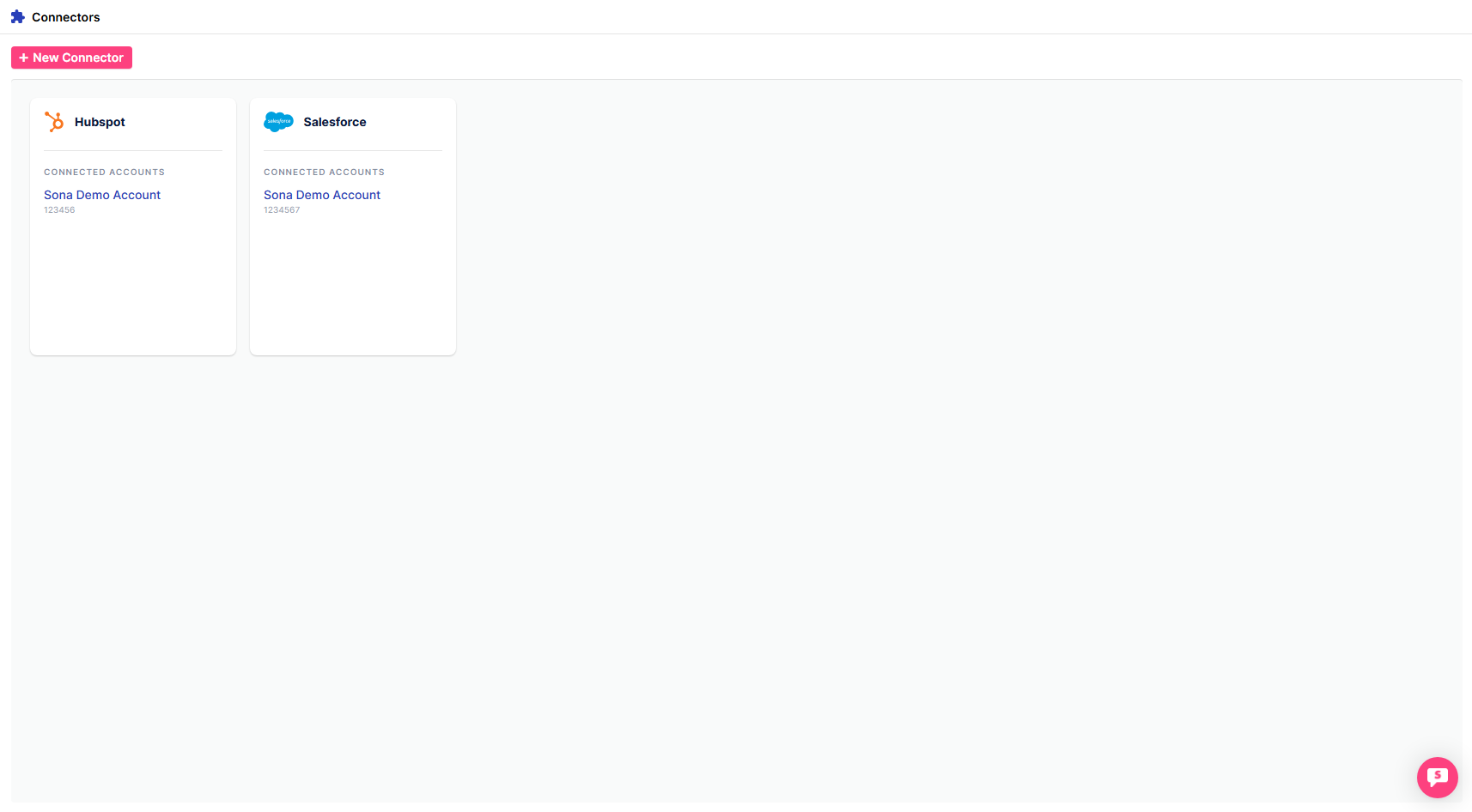
Step 5: Connect additional platforms
Repeat the steps for any other platforms you’d like to integrate. Once completed, you’ll see all connected platforms displayed as cards on the Connectors homepage.
Activating your data in go-to-market platforms ensures your teams have the insights they need to drive engagement and optimize performance. By seamlessly integrating with tools like CRMs, marketing automation, and sales enablement platforms, you can turn raw data into actionable strategies that accelerate growth. Now that your data is live, your next step is to monitor performance and refine your approach for continuous improvement.
Connect your CRM first — once Sona can match visitors to existing records, every subsequent integration (email, ads, Slack alerts) benefits from that enriched account context automatically.