 Guides
 API Reference
Visitors Count
Track how many unique people from each company have visited your site — a rising visitor count signals growing account-level interest and a forming buying committee.
Visitors Count in the Accounts table represents the number of unique visitors from a company that has interacted with your website. This helps you track engagement at the company level, providing insights into how many people from a particular business are exploring your site.
How to View Visitors Count
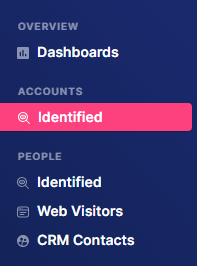
Step 1: Navigate to Identified
Go to Identified under Accounts.
Step 2: Apply filters
Add the desired filters and conditions.

Step 3: View Visitors Count
In the table, use the horizontal scrollbar to scroll to the right until you see the Visitors Count column.
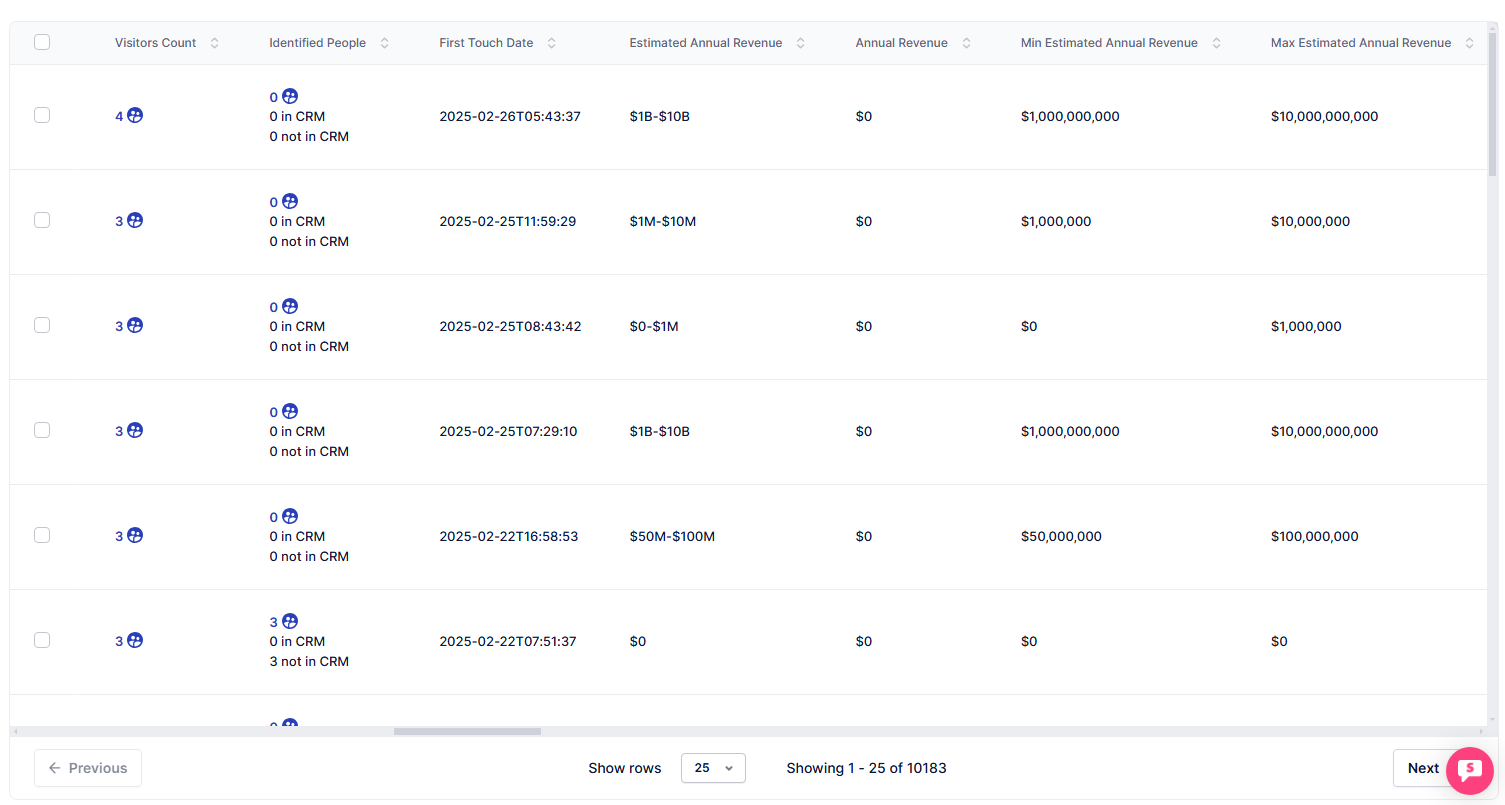
Here, you'll see the number of unique visitors from each company that has visited your website.
Combine Visitors Count with the Identified People column — a high visitor count with few identified people means you have a large anonymous audience worth engaging through gated content or retargeting.