 Guides
 API Reference
Identified People
See exactly how many visitors from each company have been identified — and whether they already exist in your CRM.
The Identified People column in the Accounts table shows how many visitors from a company have been identified based on their interactions with your website. This helps you understand whether your visitors have known contact details or if they remain anonymous.
How to view Identified People
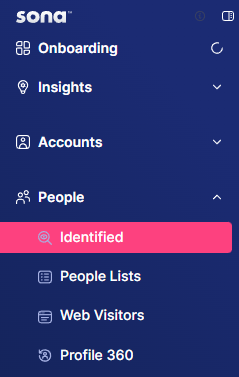
Step 1: Navigate to Identified
Go to Identified under Accounts.
Step 2: Apply filters
Add filters and conditions as needed.

Step 3: View Identified People column
In the table, use the horizontal scrollbar to scroll to the right until you see the Identified People column.
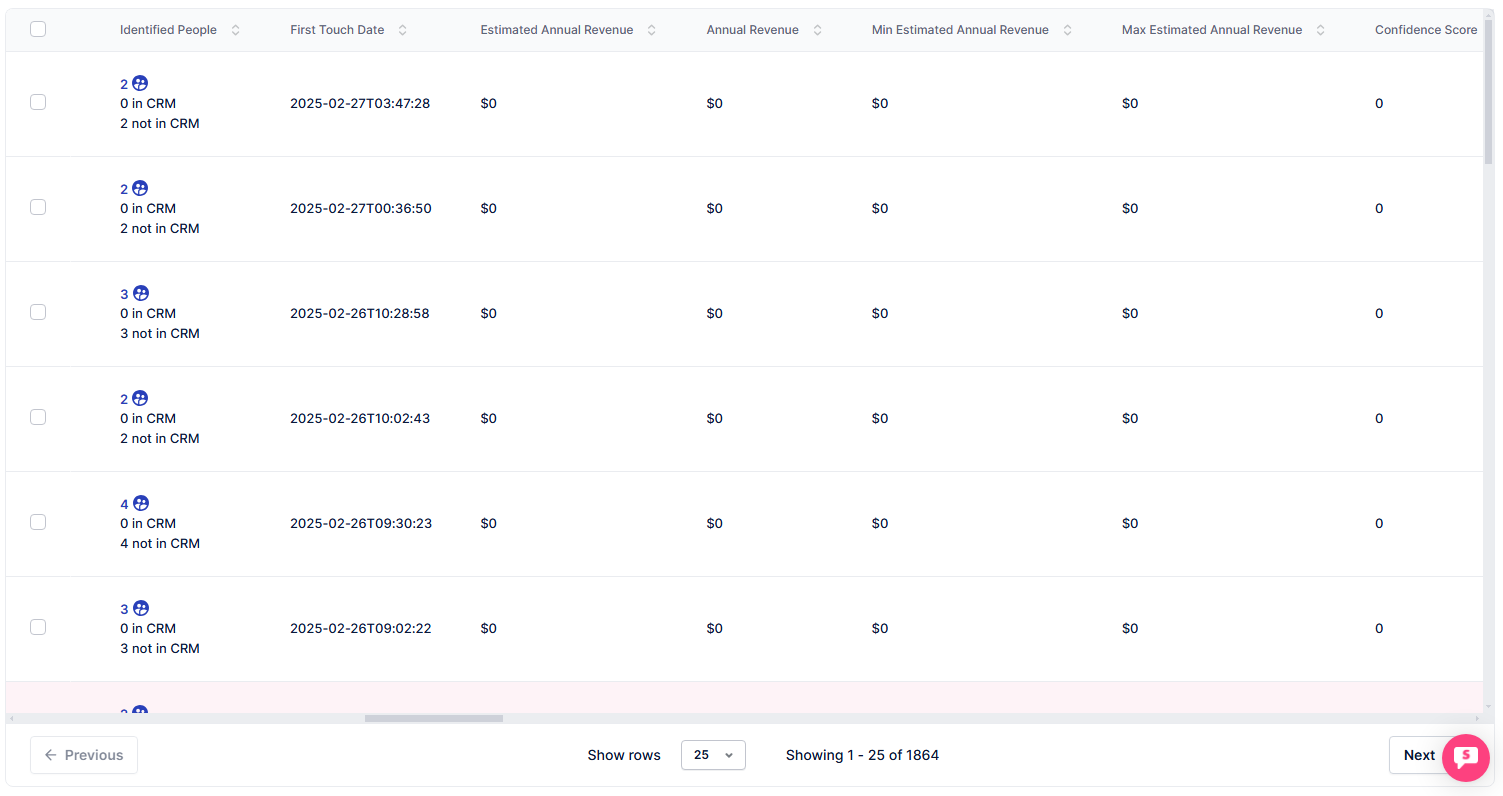
Here, you'll see the number of identified visitors from each company, as well as whether they are in your CRM.
Sort by Identified People descending to surface accounts with the most known contacts — these are your best-positioned prospects for multi-threaded outreach.