 Guides
 API Reference
First Touch Channel
See which channel first brought each account to your site — and use it to attribute discovery and optimize where you invest marketing spend.
The First Touch Channel is the initial marketing channel through which potential customers first engage with your product or website. It helps you track how visitors discover your business—whether through email, social media, paid ads, or organic search. Understanding this first interaction allows you to optimize your marketing efforts and improve customer acquisition.
How to View First Touch Channel for Accounts
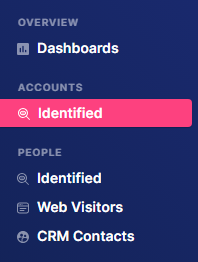
Step 1: Navigate to Identified
Click Identified under Accounts in the sidebar.
Step 2: Open Filters
Click the Filters dropdown and type "First Touch Channel" in the search bar.

Step 3: Apply condition
Add a condition, then click Apply.

The condition means that only accounts containing 'Email' as their First Touch Channel will be displayed.
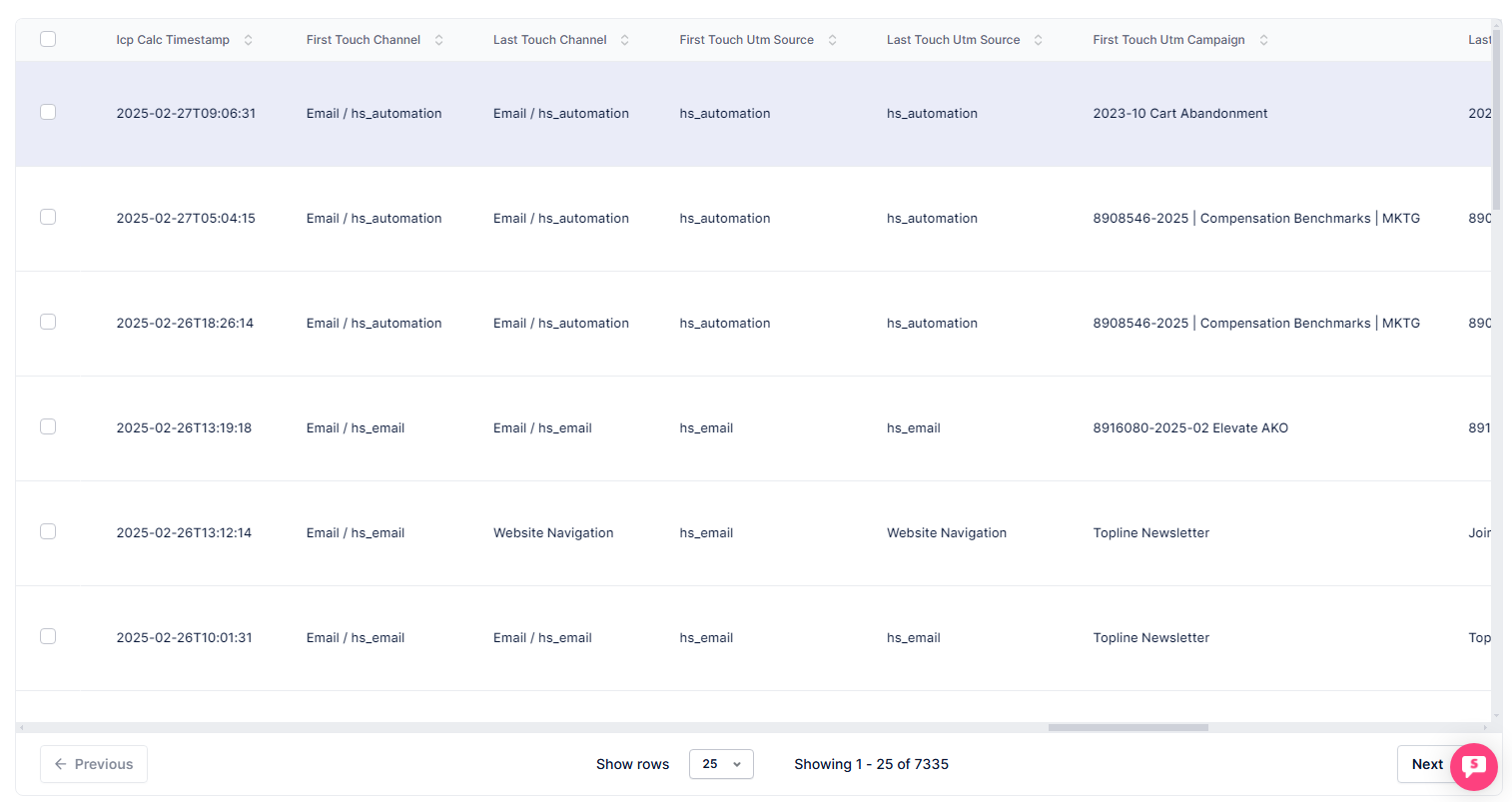
Step 4: View the First Touch Channel column
In the table, use the horizontal scroll bar to navigate to the far right until you see the First Touch Channel header.
Compare First Touch Channel against deal close rates in your CRM to find which channels bring in accounts that actually convert — not just the ones that drive the most traffic.