 Guides
 API Reference
Step 2: Track buyer activity on your target accounts
Filter your People List by purchase date and browse individual activity timelines to see exactly when and how your buyers engaged.
This guide will walk you through using the People List feature to effectively track and analyze buyer activity.
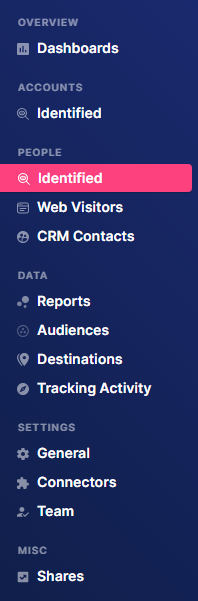
Step 1: Navigate to Identified
Go to People in the left sidebar and click Identified.
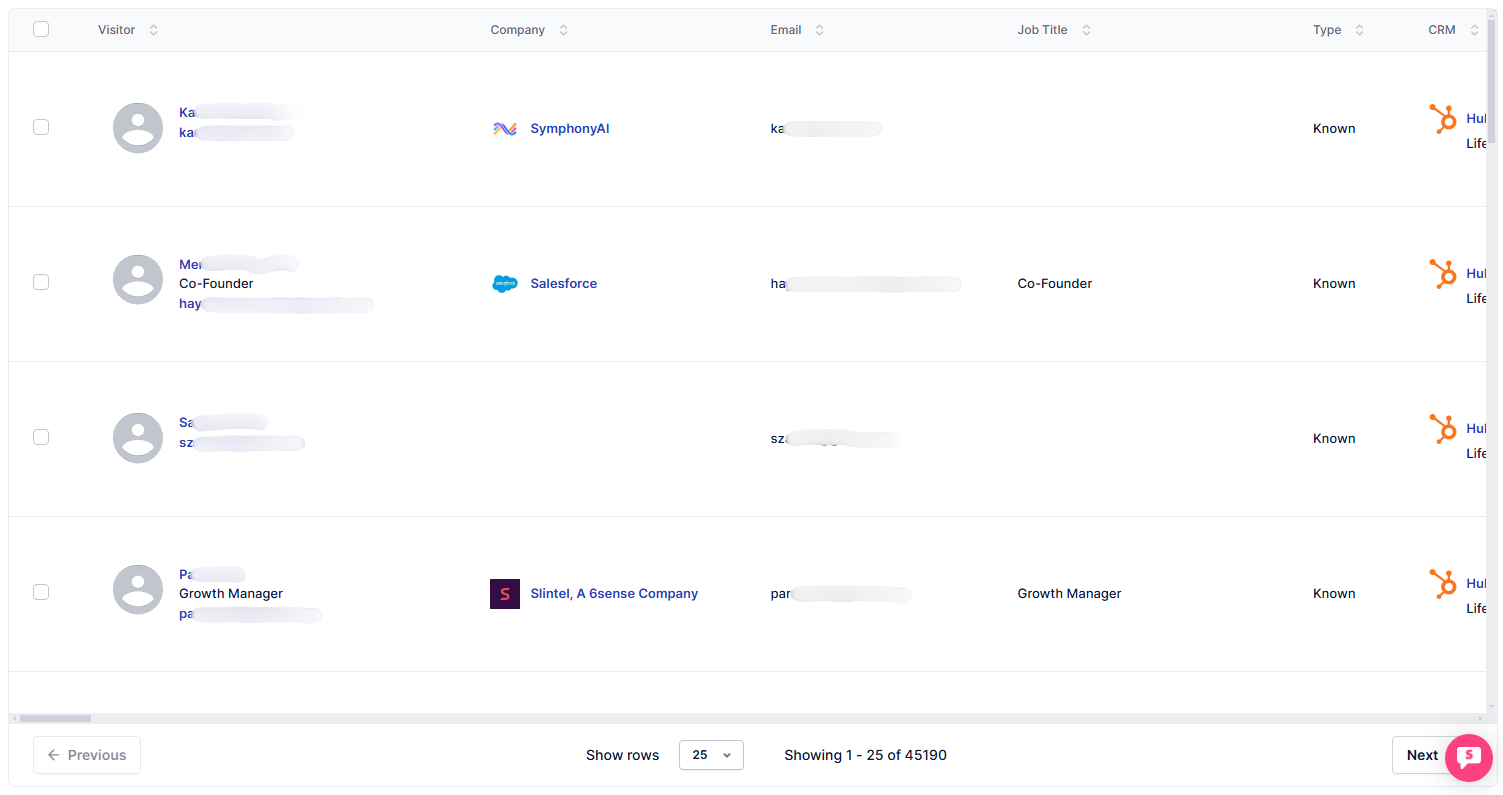
This table displays People accounts that have been identified.
Step 2: Apply Purchase Date filter
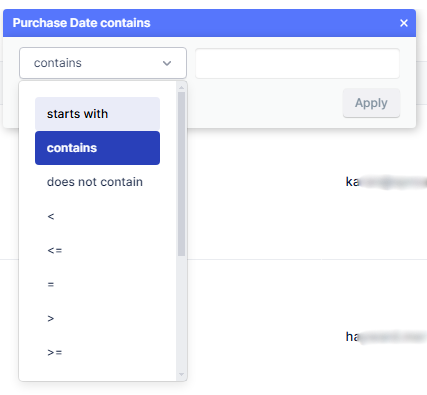
Click on the Filters dropdown and type Purchase Date in the search bar. This lets you filter out non-buyer accounts.

Then, select and add a condition.
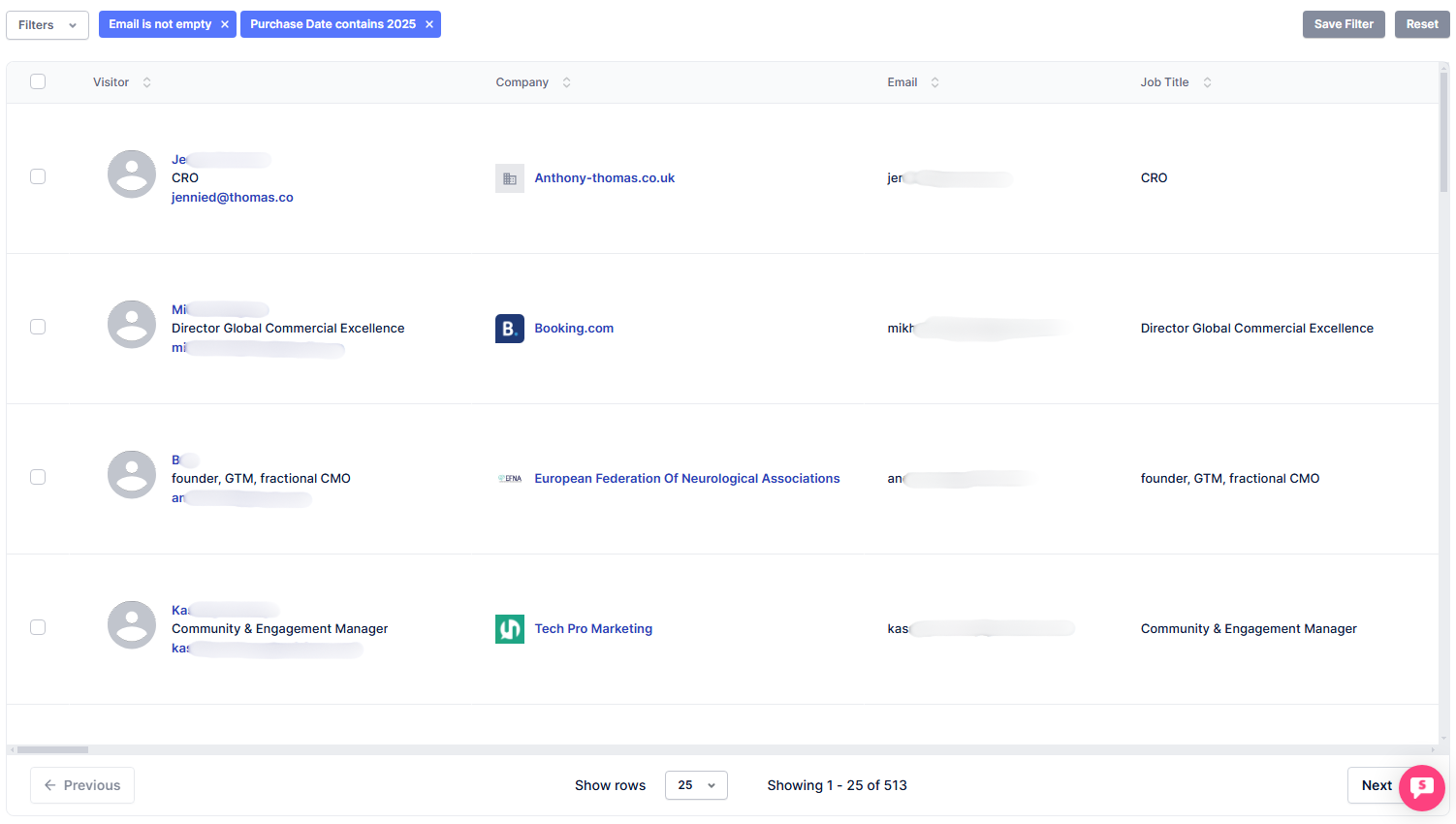
The People accounts displayed here are those that made a purchase in 2025.
Step 3: Open an account
Click on either the name or email of an account.

Step 4: View activity
Scroll down the profile to the Activity section to see the user's previous activities.
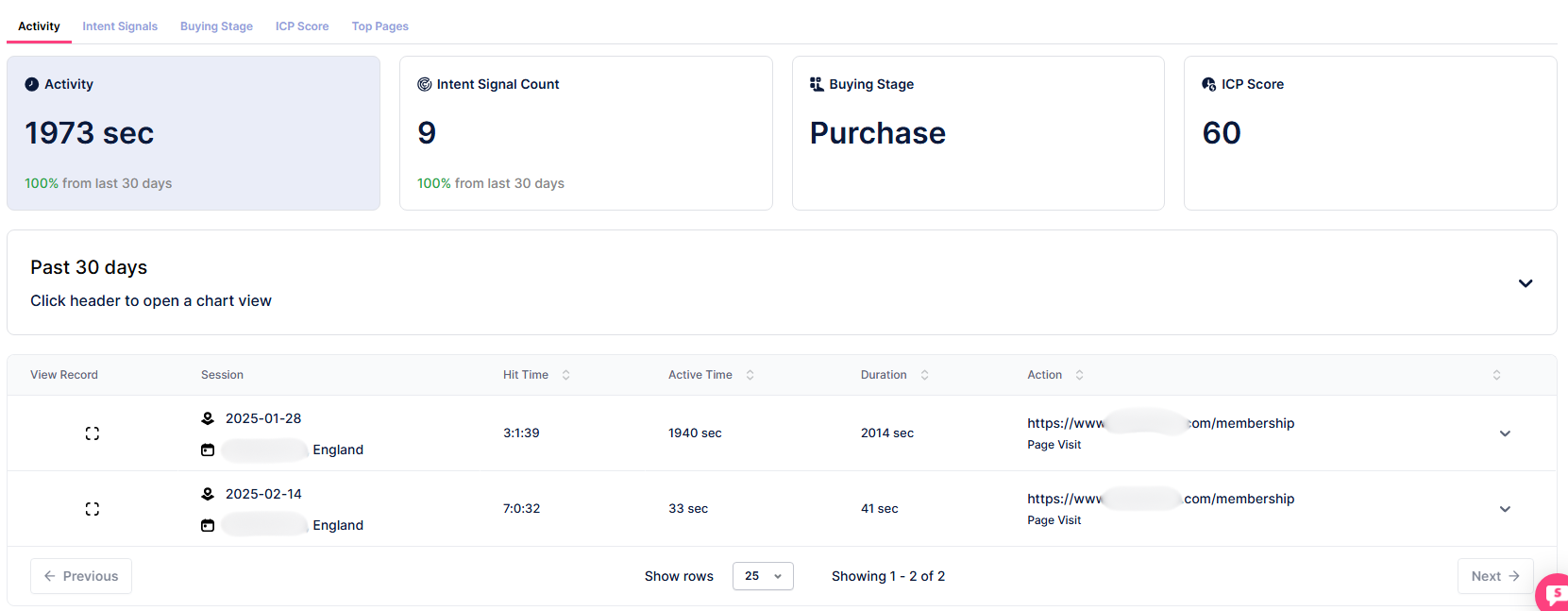
Cross-reference the Activity timeline with the pages the buyer visited — if they reviewed pricing or case studies before their purchase, those are the pages worth highlighting in your follow-up.